





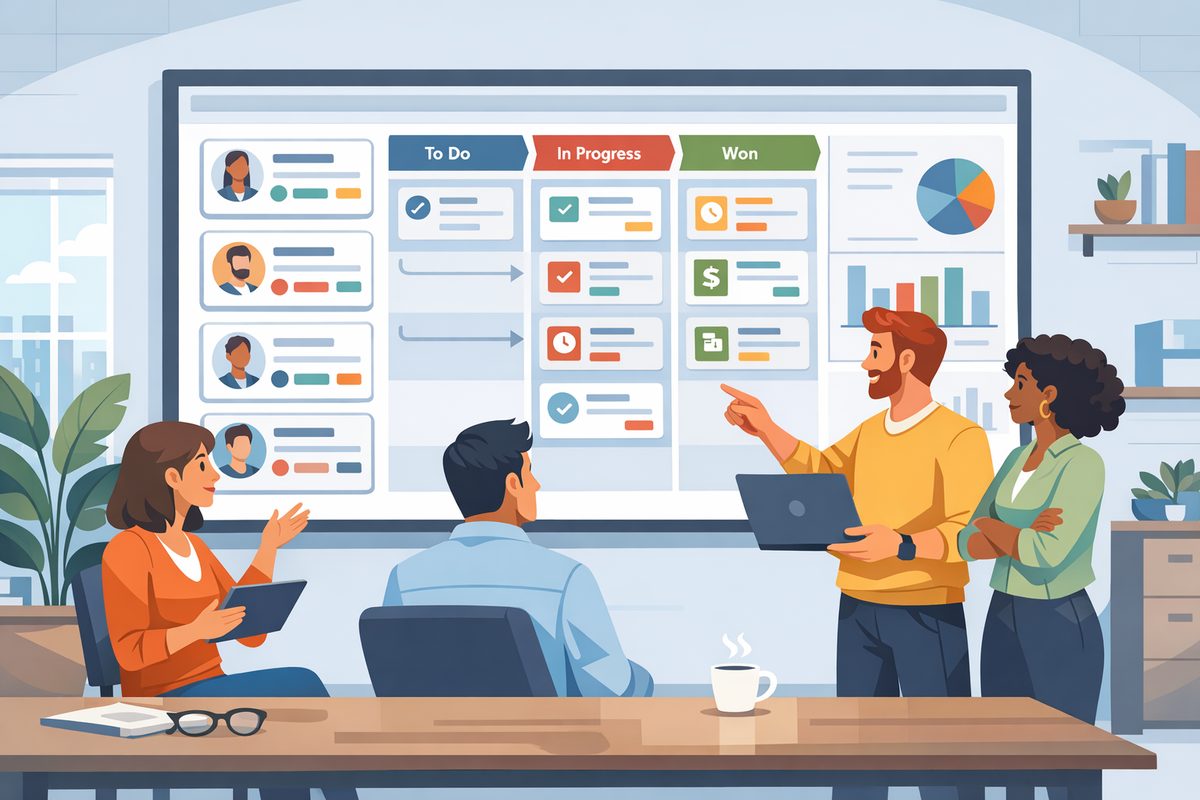
Choosing a CRM for a small business is not just a software decision. It is a decision about how your team will follow up with leads, remember customer details, manage revenue, and avoid work falling through the cracks. The right CRM should make everyday sales and service work clearer, not add another system people avoid. For a small business, the best choice is usually not the platform with the longest feature list. It is the one that fits your current workflow, can grow with you, and is simple enough that your team will actually use it.
Start with the problems you need the CRM to solve
Before comparing vendors, write down the specific issues you want to fix. Many small businesses start shopping because they feel their spreadsheet, inbox, or notebook system is becoming unreliable. That feeling is useful, but it is too vague to guide a purchase.
Turn the frustration into clear use cases. For example, a residential services company might need to track estimates, follow up after site visits, and remind staff when annual maintenance is due. A small B2B consultancy might need to manage longer sales cycles, track proposals, and see which referral partners generate the best opportunities. A local wholesaler might need a central record of repeat buyers, pricing agreements, and recent conversations.
Ask your team where customer information currently gets lost. Common answers include missed follow-ups, duplicate contact records, unclear lead ownership, no visibility into open deals, and difficulty handing work from sales to delivery. These answers should become your buying criteria.
A useful exercise is to complete this sentence: We need a CRM so that our team can… Then list five to seven practical outcomes. Examples include:
- See every open lead and its next step in one place.
- Know who last contacted a customer and what was discussed.
- Prioritize high-value opportunities without ignoring smaller ones.
- Create a repeatable process for new enquiries.
- Measure which sales activities lead to closed business.
If a CRM does not help with these outcomes, it may be impressive but not relevant.
Map your sales process before evaluating features
A CRM should reflect how your business wins and retains customers. If your process is unclear, even a good system will become messy quickly. Take time to define the main stages a prospect moves through, from first contact to sale or onboarding.
For many small businesses, a simple pipeline is enough: new enquiry, qualified lead, proposal sent, negotiation, won, and lost. Others may need stages such as site visit booked, sample requested, contract review, or deposit paid. The names matter less than the shared understanding behind them.
Each stage should answer three questions: What has happened? What needs to happen next? Who is responsible? For example, a deal should not sit in proposal sent unless the proposal has actually been delivered and a follow-up date is scheduled. This prevents the CRM from becoming a list of hopeful opportunities with no clear action.
Also decide what information must be captured at each point. At the enquiry stage, you may only need name, contact details, source, and basic need. Before sending a proposal, you may need budget, decision-maker, timeline, and notes from discovery. Requiring too much information too early slows people down. Requiring too little later makes forecasting and follow-up unreliable.
When reviewing CRM options, look for a system that allows you to configure stages, fields, views, and reminders without needing constant technical support. Small businesses benefit from flexibility, but too much customization can become a trap. Aim for a process your team can explain in one meeting and follow every day.
Prioritize ease of use over advanced functionality
Small business CRMs fail most often because of poor adoption. If the system feels complicated, your team will keep using email threads, sticky notes, and private spreadsheets. The CRM then becomes incomplete, and management stops trusting the data.
During demos or trials, pay attention to the basic tasks your users will perform daily. Can a salesperson add a new lead in less than a minute? Can they log a call, create a task, and move a deal to the next stage without searching through menus? Can an owner or manager quickly see open opportunities, overdue activities, and recent customer interactions?
Do not evaluate the software only from an administrator’s perspective. Invite the people who will use it to test realistic scenarios. Give them tasks such as entering a new prospect, finding all deals due for follow-up this week, updating a customer record, or checking the history of a conversation. Their feedback will reveal whether the CRM feels natural or forced.
Look for clear layouts, sensible navigation, and useful default views. Mobile access may be important if your team works in the field or visits customers. Email logging, task reminders, notes, and pipeline views are often more valuable day to day than sophisticated features your team is not ready to use.
It is reasonable to choose a CRM that your team can master quickly, even if it lacks some advanced capabilities. A simple CRM used consistently will outperform a powerful CRM used inconsistently.
Understand the real cost of ownership
The subscription price is only one part of CRM cost. For a small business, time and disruption are just as important. A low monthly fee can become expensive if setup is confusing, data migration takes weeks, or staff need repeated training to perform basic tasks.
Consider the total effort required to get value from the system. You may need to clean old spreadsheets, decide which contacts to import, define pipeline stages, create standard fields, set user permissions, and train employees. None of this is necessarily difficult, but it does require attention.
When comparing options, ask practical questions:
- How easy is it to import existing contacts and opportunities?
- Can we remove sample data and unnecessary fields?
- What support is available during setup?
- How are users added or removed?
- Are key features included in the plan we are considering?
- Can we export our data if we change systems later?
Avoid buying more capacity than you need because it sounds future-proof. Small businesses often benefit from starting with core CRM functions, then adding more when processes are stable. At the same time, do not choose a system that you will outgrow immediately. If you expect to add sales staff, handle more enquiries, or segment customers more carefully, make sure the CRM can support that direction.
Pay particular attention to limits that affect daily work, such as number of users, records, pipelines, automations, custom fields, or reporting options. You do not need to obsess over every detail, but you should know whether the plan you choose supports your must-have use cases.
Check reporting, visibility, and management needs
A CRM should help the business owner or manager see what is happening without interrupting everyone for updates. This does not mean you need complex dashboards on day one. It means you should be able to answer basic operating questions reliably.
Examples include: How many new leads came in this week? Which deals need follow-up today? Which proposals are still open? Why are opportunities being lost? Which customers have not been contacted recently? Who has too much or too little in their pipeline?
Look for reporting that matches your decision-making style. If you manage closely, you may want activity reports, overdue task lists, and pipeline by owner. If your sales cycle is longer, you may care more about deal stage, expected close dates, and next steps. If you run a service-based business, you may want visibility into renewals, repeat work, or customer segments.
Be careful with CRM reports that look attractive in a demo but depend on data your team will not maintain. A forecast is only useful if opportunity values, close dates, and stages are updated regularly. A lead source report only helps if the source field is completed consistently. Choose a CRM that makes good data entry easy and reporting straightforward.
It can help to define three management views before buying: a daily view for urgent follow-up, a weekly view for pipeline review, and a monthly view for performance trends. If the CRM can support these views without excessive setup, it is likely a practical fit.
Run a small pilot before committing
Do not make the final decision based only on marketing pages or polished demos. Create a short pilot using real examples from your business. Import a small set of contacts, add active opportunities, define your pipeline, and have two or three users work in the CRM for a limited period.
During the pilot, focus on everyday behavior. Are users updating records without being reminded? Are follow-up tasks clearer? Does the owner have better visibility than before? Are there confusing steps that would slow the team down? Are important customer details easy to find?
Use a simple scorecard with categories such as usability, setup effort, pipeline fit, reporting, support, and growth potential. Rate each CRM against your original problems rather than against each other in the abstract. This keeps the decision grounded.
After the pilot, decide what must be configured before rollout and what can wait. A common mistake is trying to build the perfect CRM before anyone uses it. Instead, launch with the essentials: clean contact records, a clear pipeline, required fields, task reminders, and a few useful reports. Improve the system after your team has real experience with it.
Also assign ownership. Someone should be responsible for keeping the CRM organized, answering user questions, reviewing data quality, and making small improvements. In a small business, this may be the owner, sales manager, office manager, or operations lead. Without ownership, even a well-chosen CRM can drift.
Conclusion
The right CRM for a small business is the one that supports your actual customer journey, gives your team clear next steps, and helps management see the business without chasing updates. Start with your problems, define your process, test usability, and consider the full cost of adoption. If the CRM makes follow-up easier, data cleaner, and decisions more informed, it is doing its job.